Resources / AP Unblock
The Unblocker · Day 0
Why Your B2B Invoices Actually Stall: How to Stop Enterprise AP Delays Before Day 30
· 8 min read · Updated
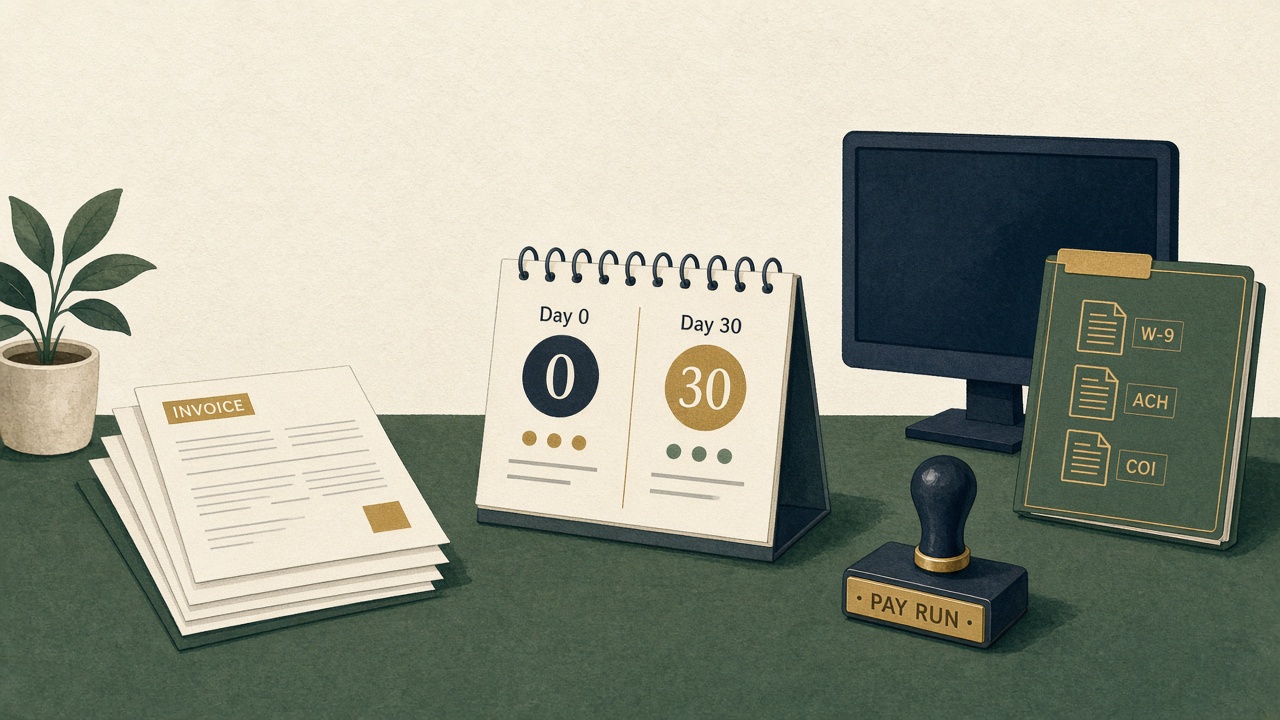
If a $48,000 invoice is still open on day 41, the story in your head is usually the same: they are slow, they are avoiding you, they do not respect Net 30. That story is almost always wrong.
Enterprise Accounts Payable (AP) desks do not forget vendors they like. They park invoices that are administratively incomplete. The stall is silent because nobody emails you to say the W-9 is stale, the ACH form never hit the master vendor file, or the Certificate of Insurance (COI) expired last quarter. Your invoice is not refused. It is not in the pay run.
The silent stall
Between “invoice sent” and “check issued” sits a queue most agencies never see: vendor onboarding. Until AP can prove you are a real, insured, bank-verified payee, policy forbids them from releasing funds — even when the work was accepted and the purchase order matches.
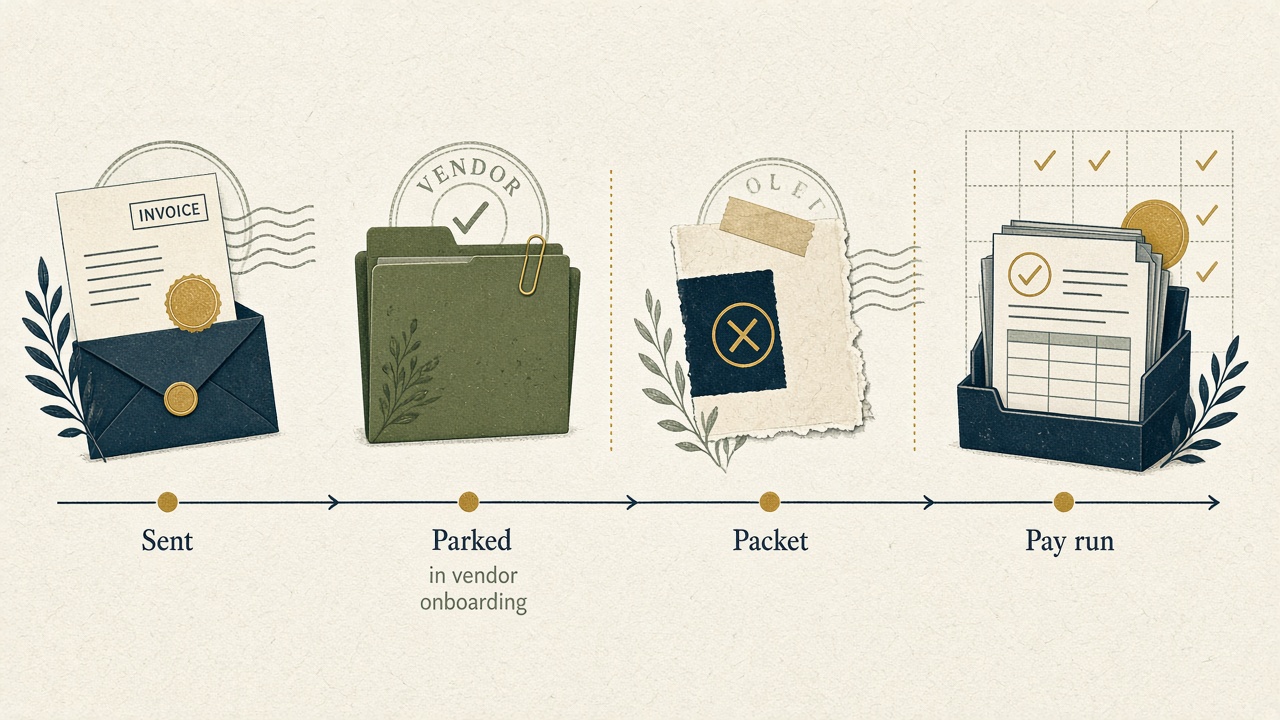
That gap is why Days Sales Outstanding (DSO) drifts past 50+ days on otherwise healthy books. The clock you think started on invoice date did not start on their side until the packet cleared.
Why Day 30 is a myth
Net 30 is a commercial term. AP’s clock is an onboarding term. If the vendor record is incomplete on day 0, “Net 30” functionally becomes Net 30 plus however long it takes legal, procurement, and treasury to finish setup — often another two to four weeks of email archaeology.
Your clock
Invoice date → Day 30
Net 30 starts the morning you send. You start following up because the commercial term expired.
Day 0 · sent · chasing
AP clock
Packet complete → pay run
Their Net 30 starts when W-9, ACH, and COI clear the master vendor file — often two to four weeks later.
Parked · onboarding · pay run
Chasing the controller on day 35 does not accelerate a record that was never created. You are asking someone to pay a vendor their system will not let them pay. Getting enterprise clients to pay faster starts with becoming payable, not with a firmer follow-up.
The missing vendor packet
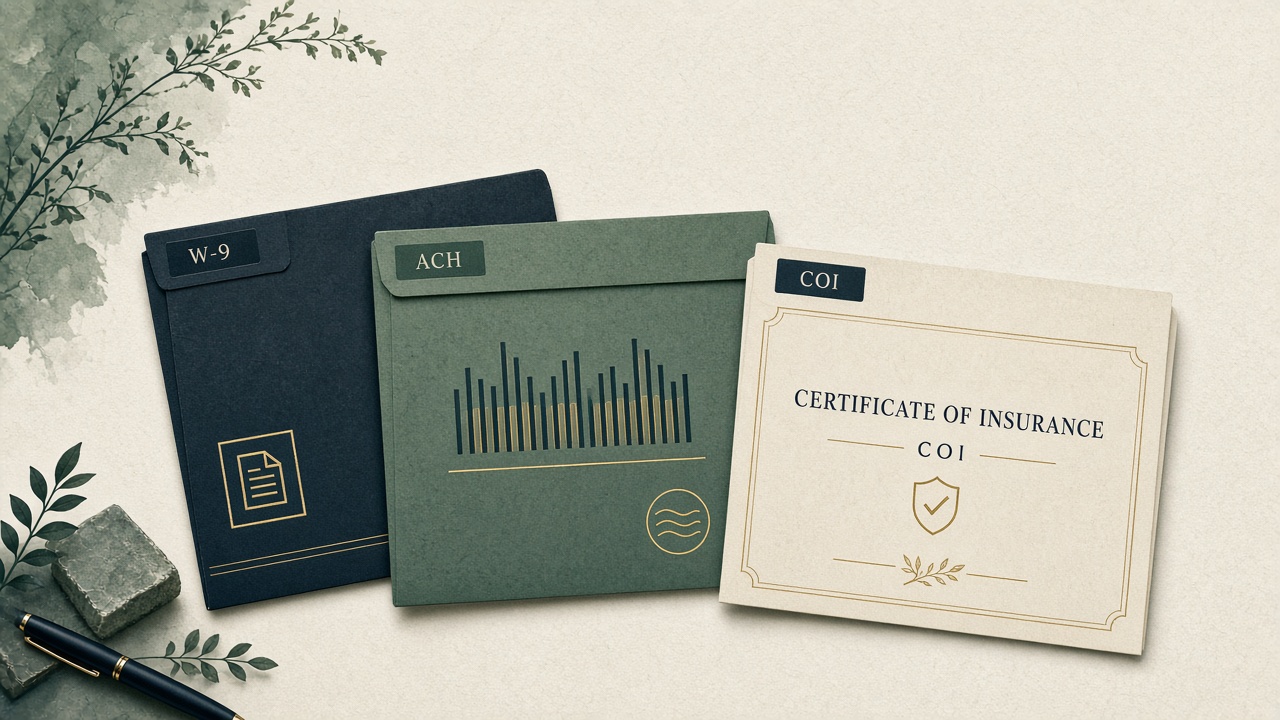
The three documents that most often strand B2B invoices inside enterprise Accounts Payable (AP):
- W-9 — legal name, TIN, and tax classification that match the invoice entity.
- Banking / ACH — voided check or bank letter on letterhead, plus the AP portal’s own enrollment form.
- Certificate of Insurance — COI with the client named as additional insured, at their required limits, not last year’s policy.
Secondary blockers are real too: diversity affidavits, signed MSA exhibits, and remit-to addresses that do not match the W-9. None of these are bad faith. They are desk policy.
Day-0 onboarding checklist
Send this packet the same day you send the first invoice — or better, the day the MSA is signed, before any invoice exists.
- Confirm the AP portal, not the champion. Ask who actually keys vendors. Get that URL and vendor-ID format.
- W-9 that matches the invoice legal name Including DBA versus entity mismatches that bounce TIN checks.
- ACH kit Bank letter plus their form — not a screenshot of online banking.
- COI with their legal name as additional insured At the limits specified in the MSA, dated for the current policy period.
- Remit-to, PO, and coding on the face of the invoice Cost center, GL, and the buyer’s vendor number so AP does not re-key from email.
- One reply-to for AP questions So the packet does not die in a founder inbox over a long weekend.
Email chasing vs Day-0 delivery
Manual chasing treats day 30 as the start of collections. Day-0 delivery treats day 0 as the start of payability. The first path trains AP to ignore you until a human is angry. The second path puts you in the next eligible pay run because nothing is missing.
DueBridge tie-in
Automated Day-0 compliance delivery, then 1-click AP portal resolution.
DueBridge’s Unblocker ships the W-9, ACH kit, and COI with the invoice — not two weeks after AP asks. When the desk still needs a portal click, the debtor gets a 1-click resolution path instead of another follow-up email. Owners see what is blocked versus what is waiting on a pay cycle, so DSO conversations stay operational, not personal.
Questions these searches are asking
Why do clients pay late on Net 30 even after they approve the work?
Most enterprise Accounts Payable (AP) delays are a missing vendor compliance packet — W-9, ACH enrollment, or Certificate of Insurance — not refusal to pay. Until that packet is in the master vendor file, the invoice cannot enter a pay run.
What causes enterprise accounts payable delays after an invoice is sent?
AP onboarding. The commercial clock (Net 30) does not start until the vendor record is complete. Incomplete W-9, banking, COI, or PO coding adds two to four weeks before the first eligible pay cycle.
How do you get enterprise clients to pay faster without damaging the relationship?
Become payable on Day 0. Deliver the compliance packet with the first invoice, route AP questions to one inbox, and use 1-click portal resolution instead of “just following up” email. Faster payment is an operations change, not a collections tone.